

How to sign up
Step 1. Filling out the sign-up form
1.1. To create an account on Cyprus-real.estate, go to the "Sign in" page.
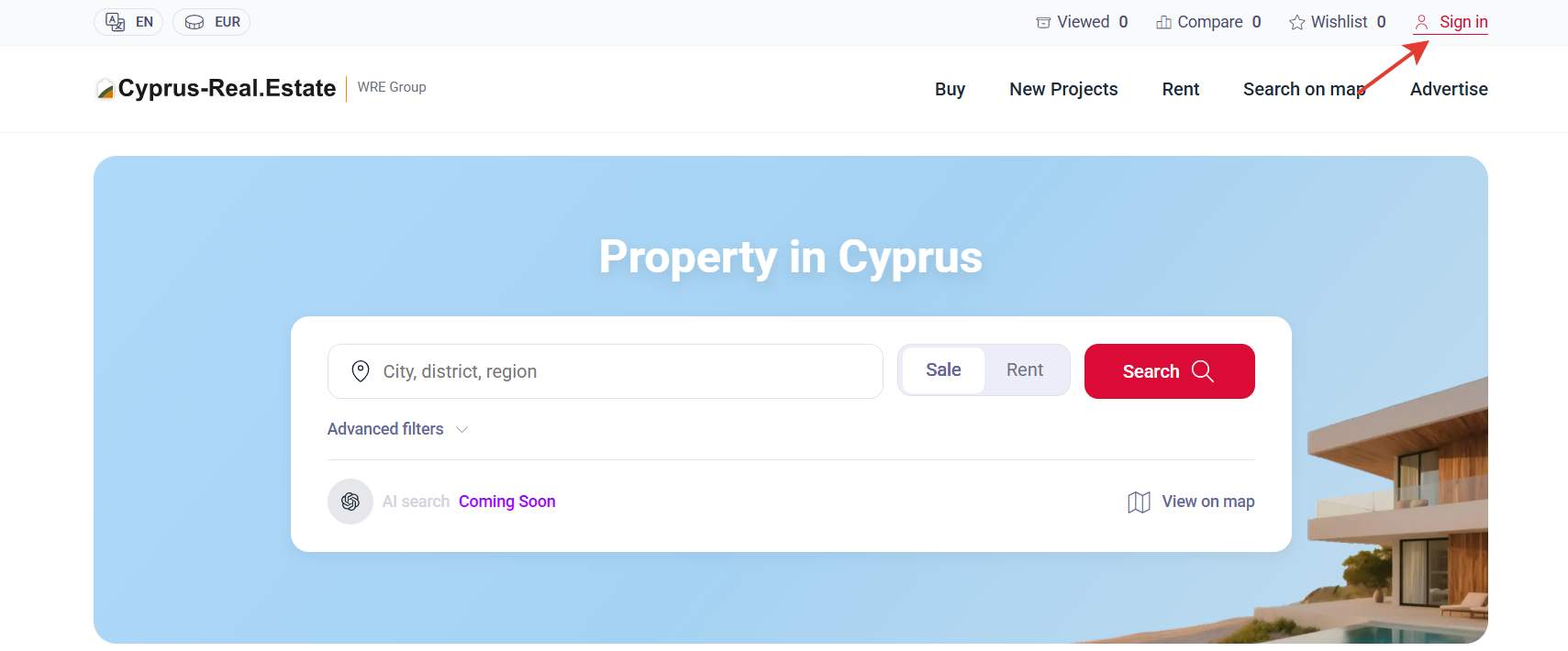
1.2. Click the "Sign up" link.

1.3. Choose how you plan to use the platform.
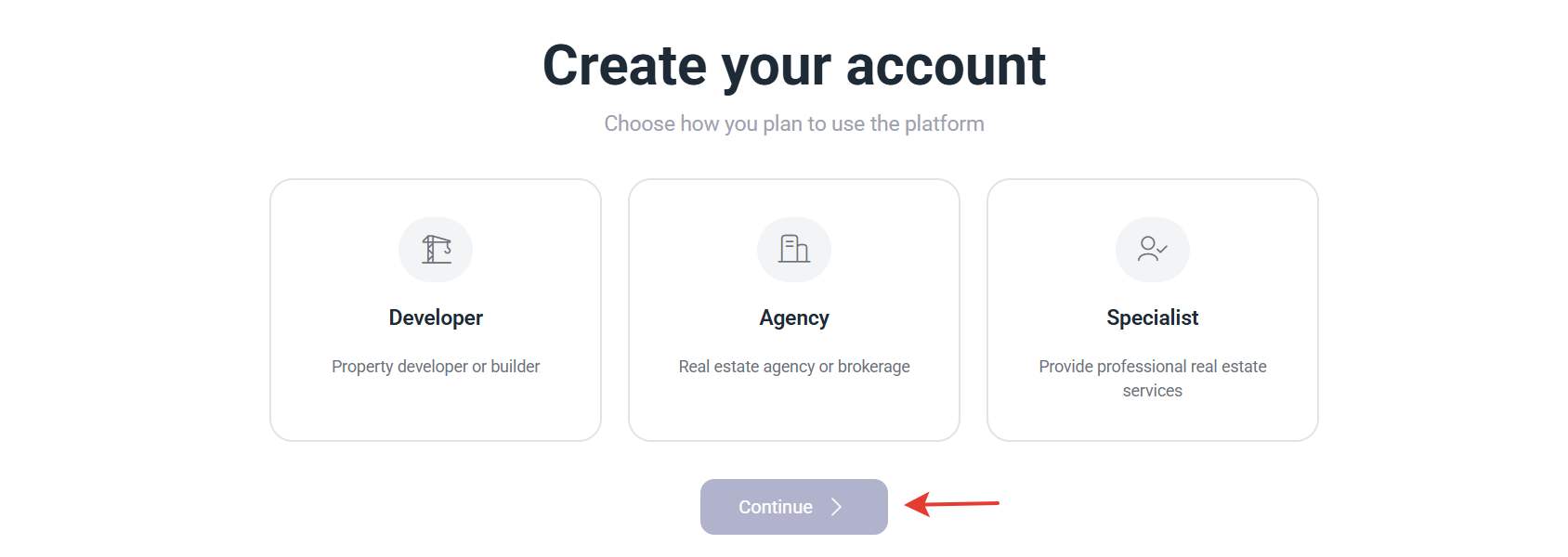
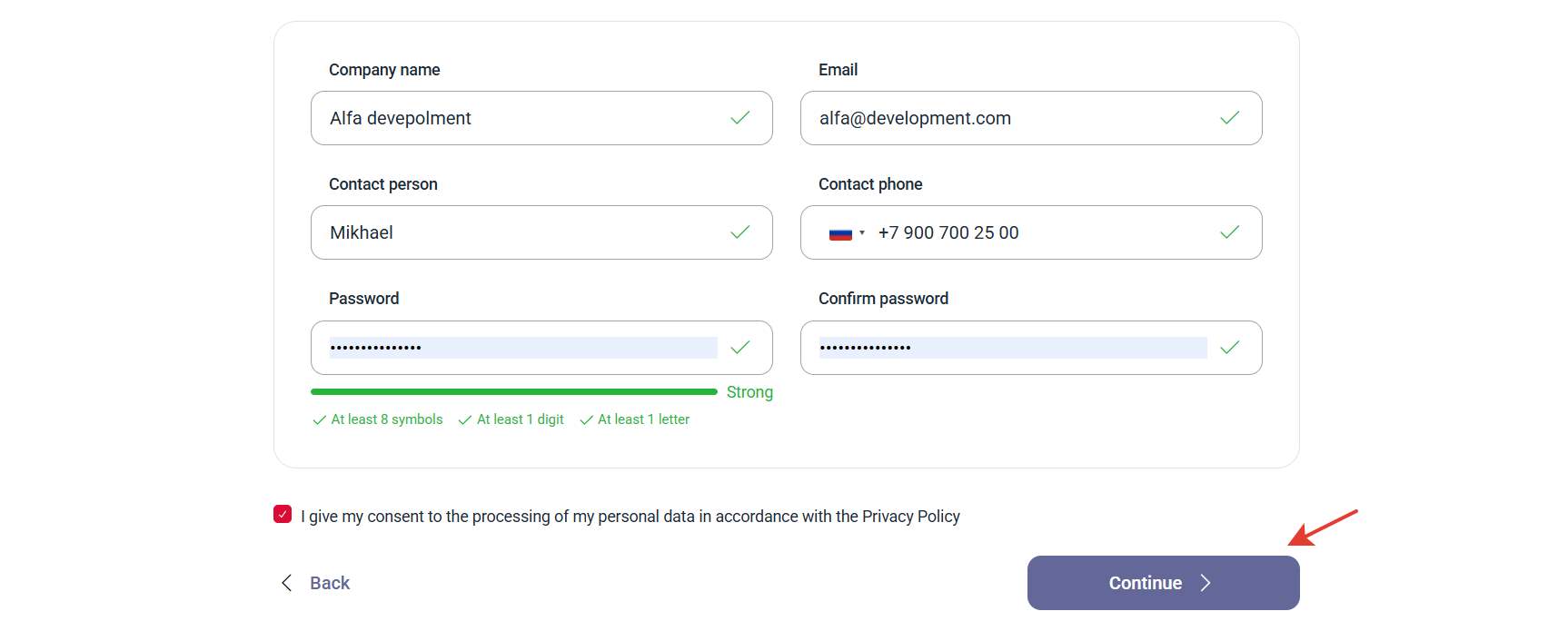
1.4. All provided fields are required - please enter your actual contact details.
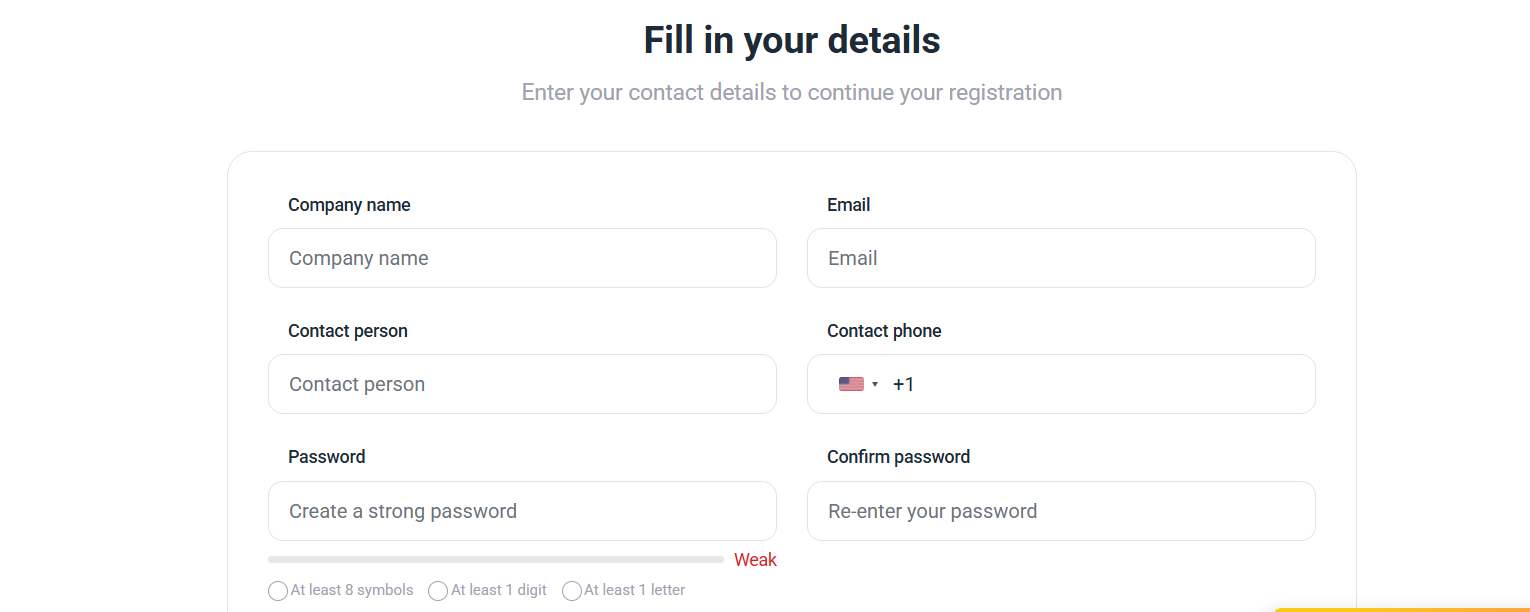
Please note! Contact information (agency name, phone number, e-mail, contact person's name) can be changed in your personal account after you sign up.
1.5. Complete the sign-up by clicking on the "Sign up" button.
Step 2. Sign-up confirmation
2.1. After you sign up, a sign-up confirmation will be sent to the email specified as a login. Follow the link to confirm your sign-up.
If you have not received a confirmation email, check your Spam folder.
2.2. Our team will contact you if needed and activate your account.
Now you can add properties and employees and your profile will be available on the website in the Companies section.